
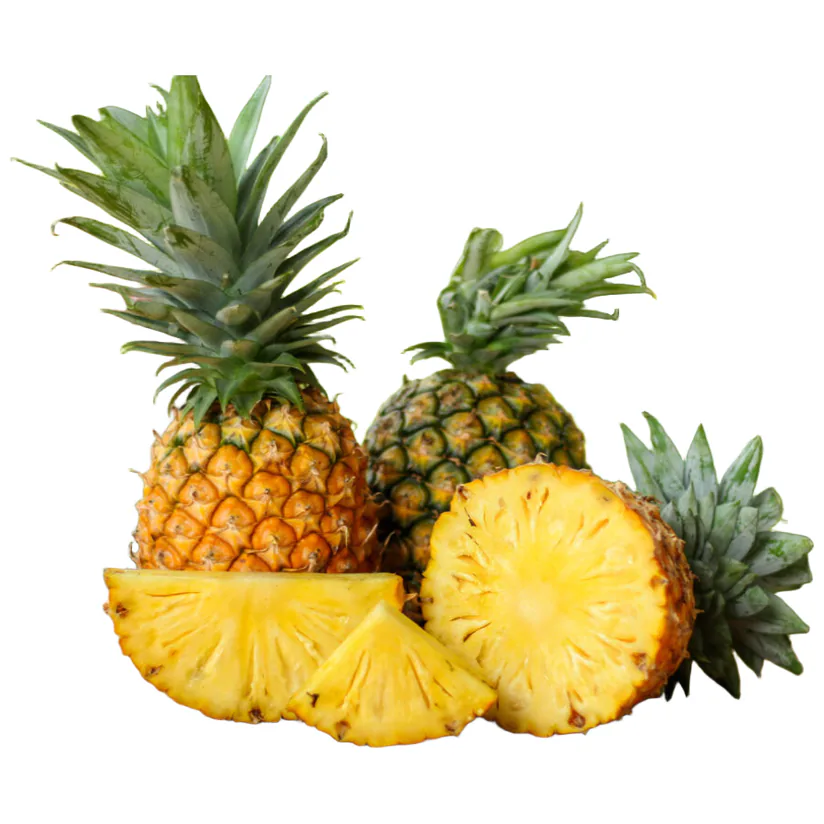
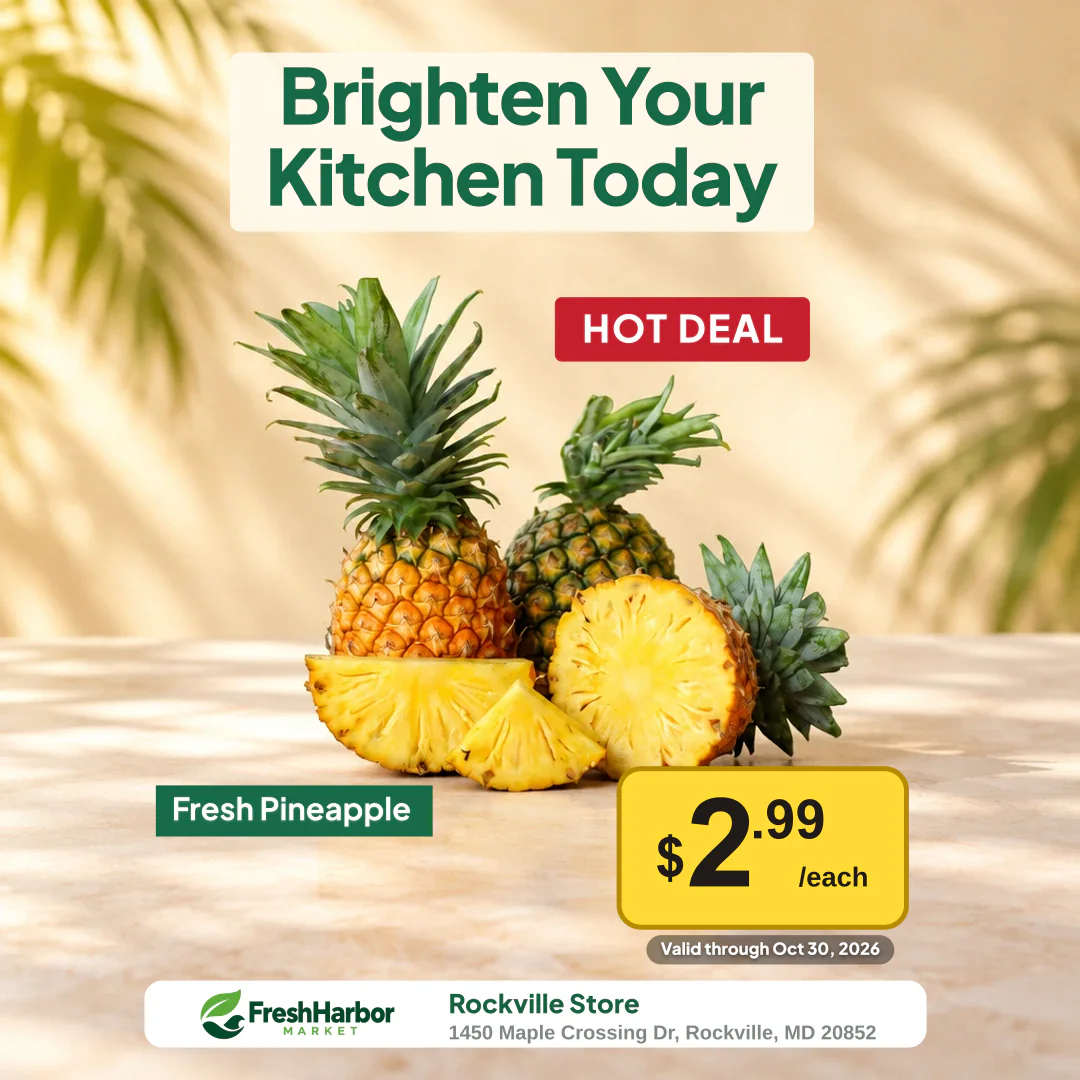
Grocery Sale Poster
Turn a fresh produce photo into a store-ready promotion with a clear sale price.
Create Sale Posters — No Design Skills Required.
Add your product photo, enter your price and offer, and choose a ready-made retail design. Create eye-catching promotional posters for your store or social media without learning professional design software.
No StorePromoKit watermark on signed-in PNG exports
Demo examples: Store names, promotions, and prices are for demonstration purposes only. Not actual retail offers.
Before and after
Start with a product photo, add the offer details, and create a promotional graphic ready to share.
Turn a fresh produce photo into a store-ready promotion with a clear sale price.
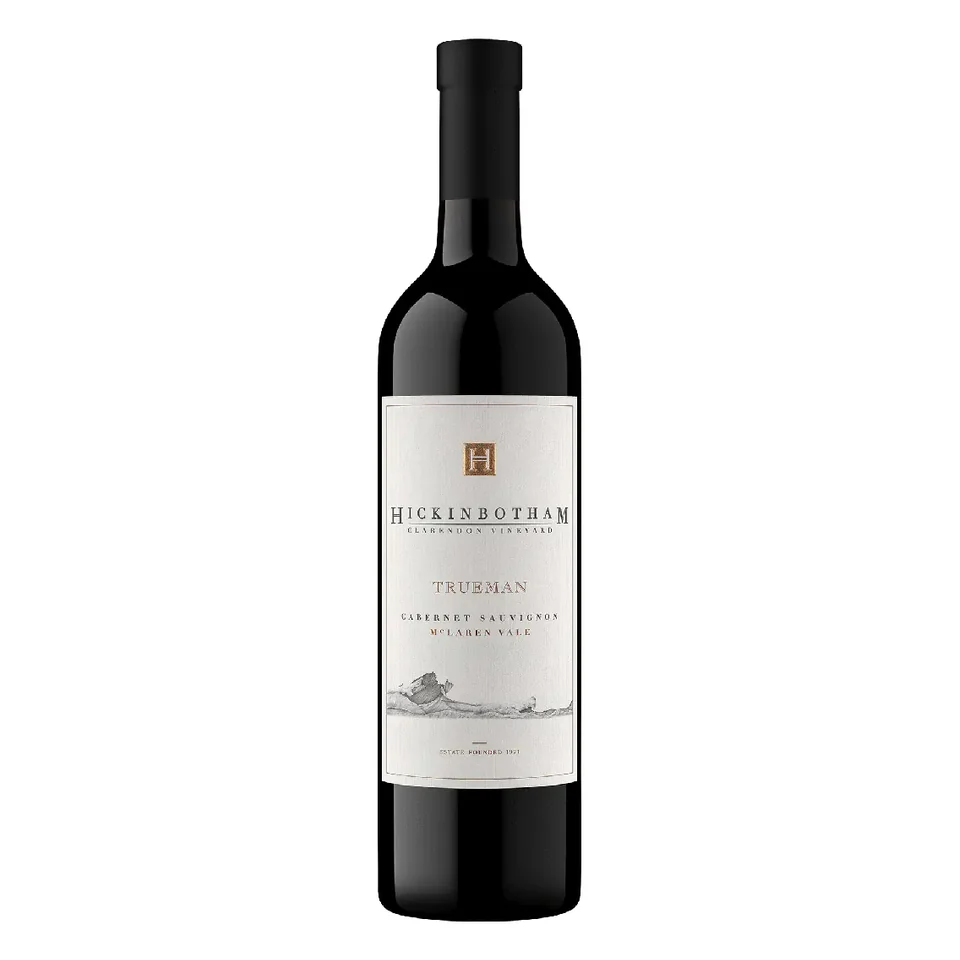
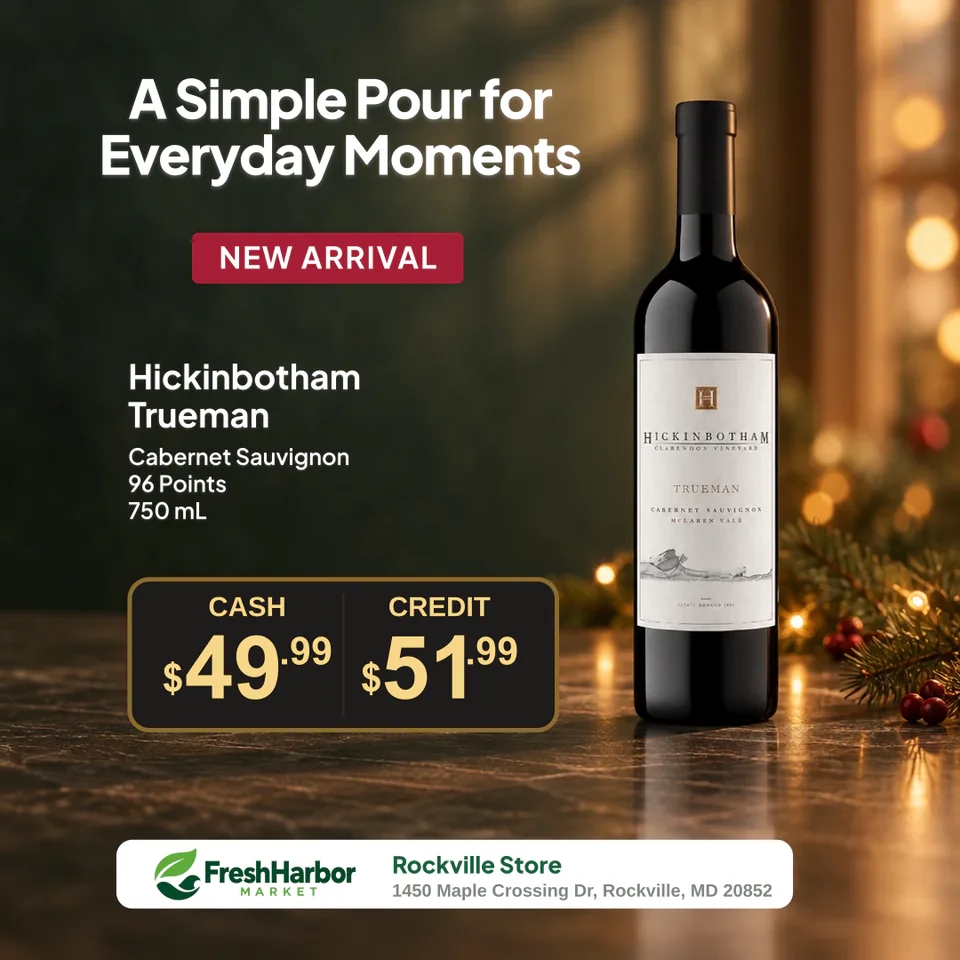
Create a bottle promotion with pricing, a headline, and store branding.
Upload a photo or choose an image from your Media Library.
Add your product name, sale price, offer type, and promotional message.
Start with a ready-made design, review and adjust supported details, then download your PNG.
Retail examples
Create product sale graphics for grocery, liquor, convenience, and beauty retail promotions.
Highlight fresh produce with a clear price and store-ready promotional message.
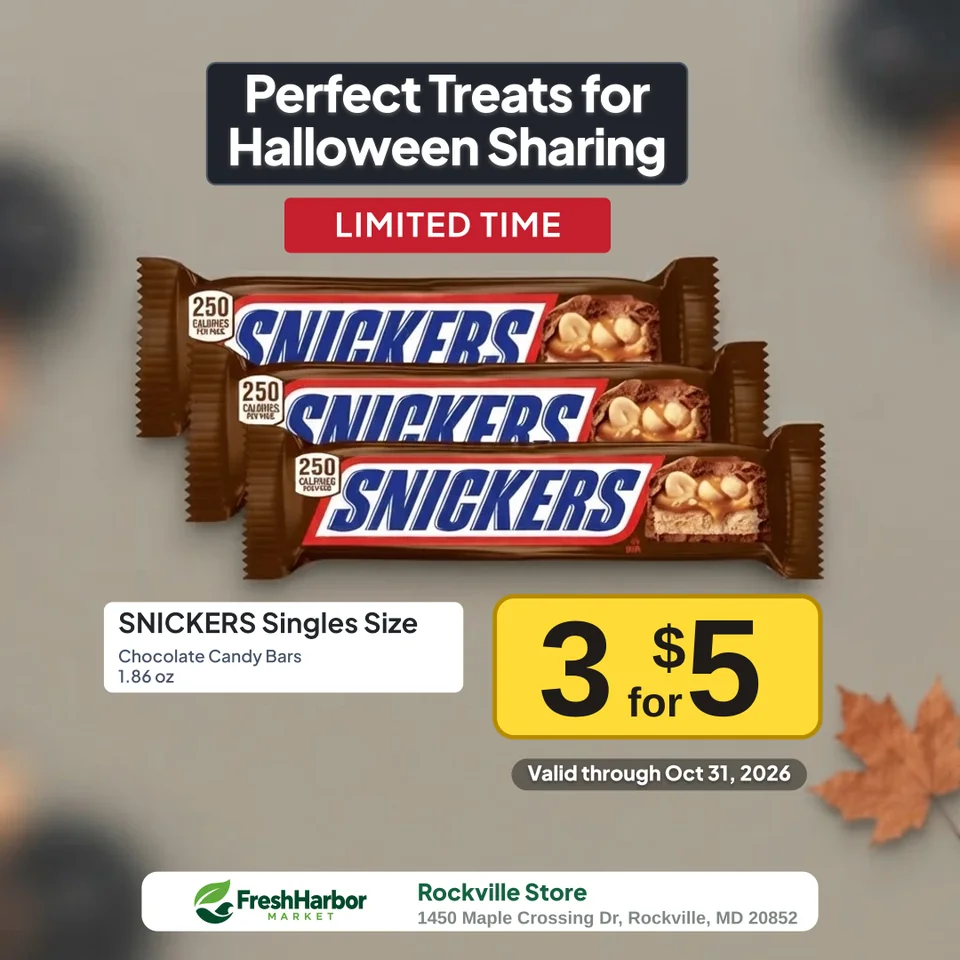
Present quantity requirements and the total price for a packaged-food multi-buy.
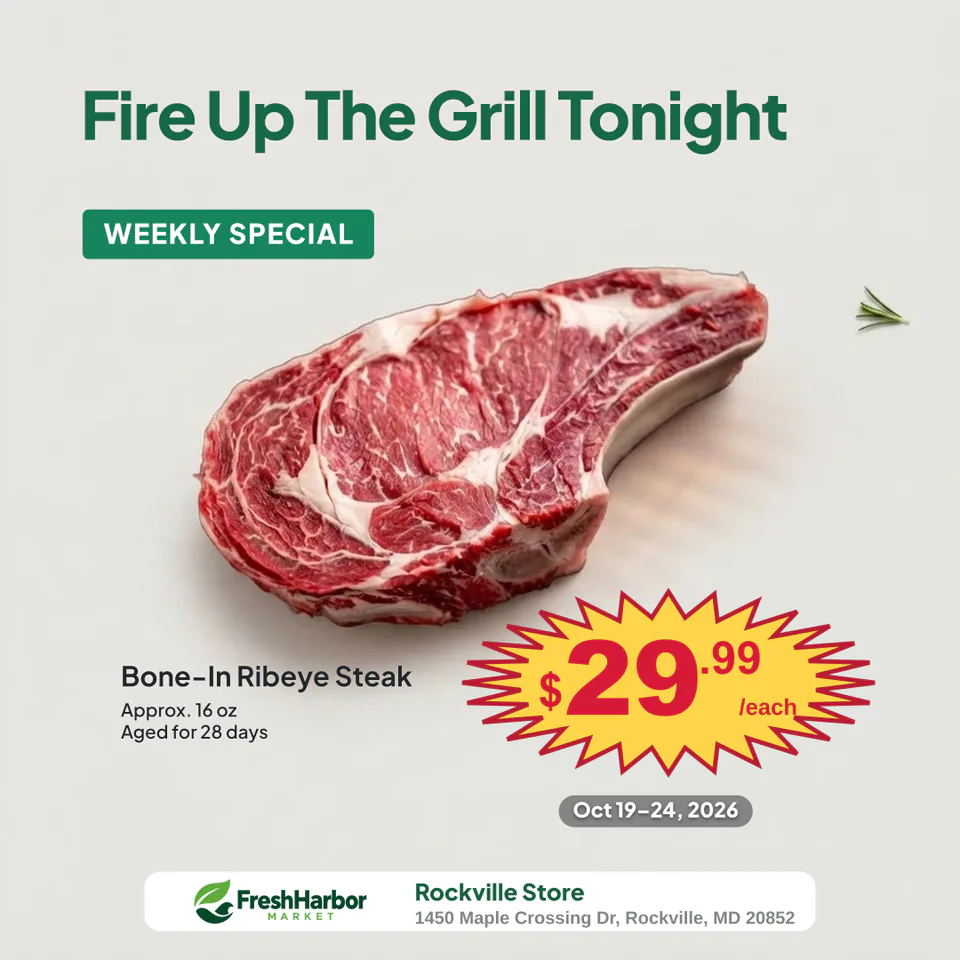
Create a focused fresh-department promotion without building a full weekly flyer.
Feature a bottle, sale price, headline, and store identity in a tall composition.
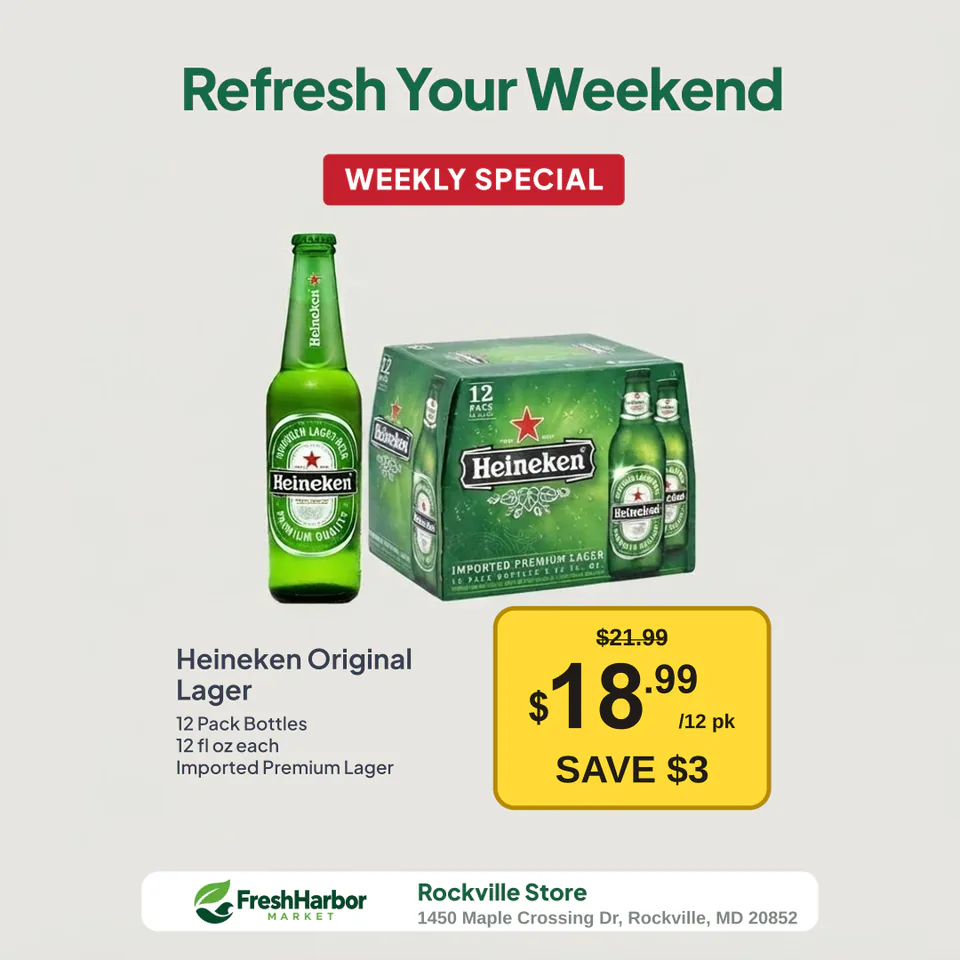
Show a multipack together with its current price and calculated savings.
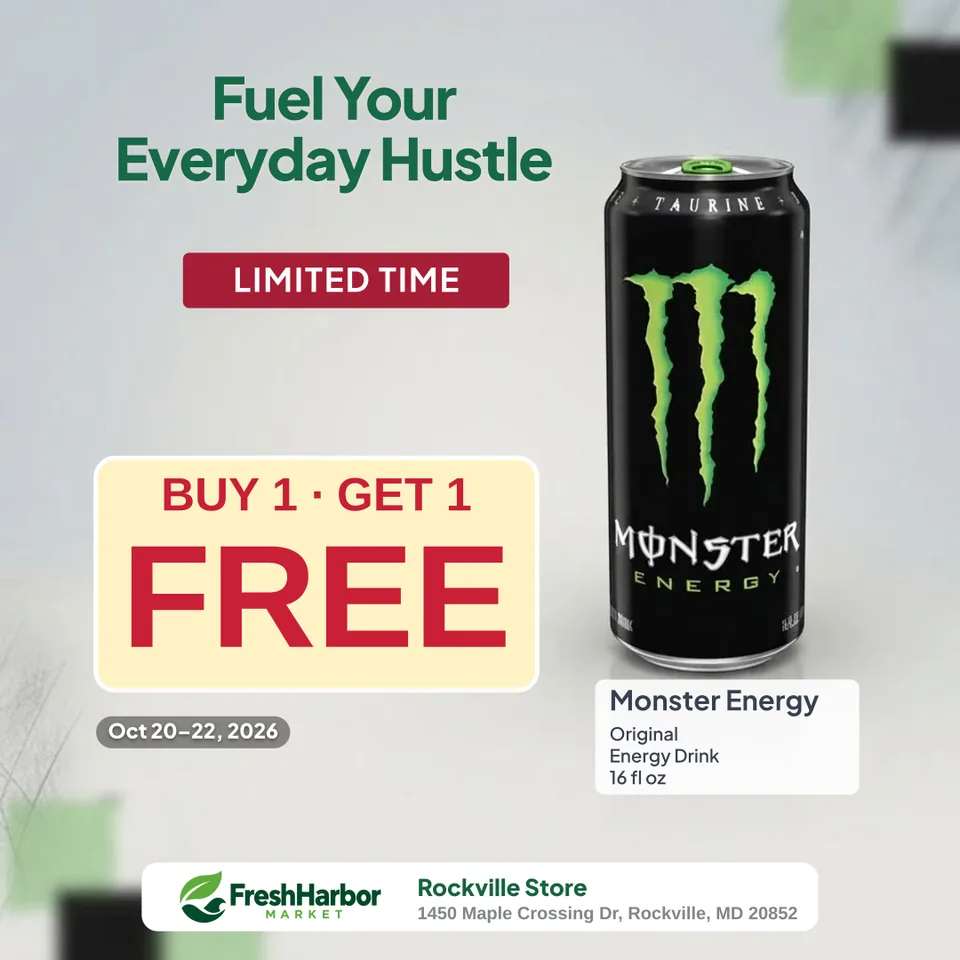
Make the buy-and-get condition visible alongside a bold FREE message.
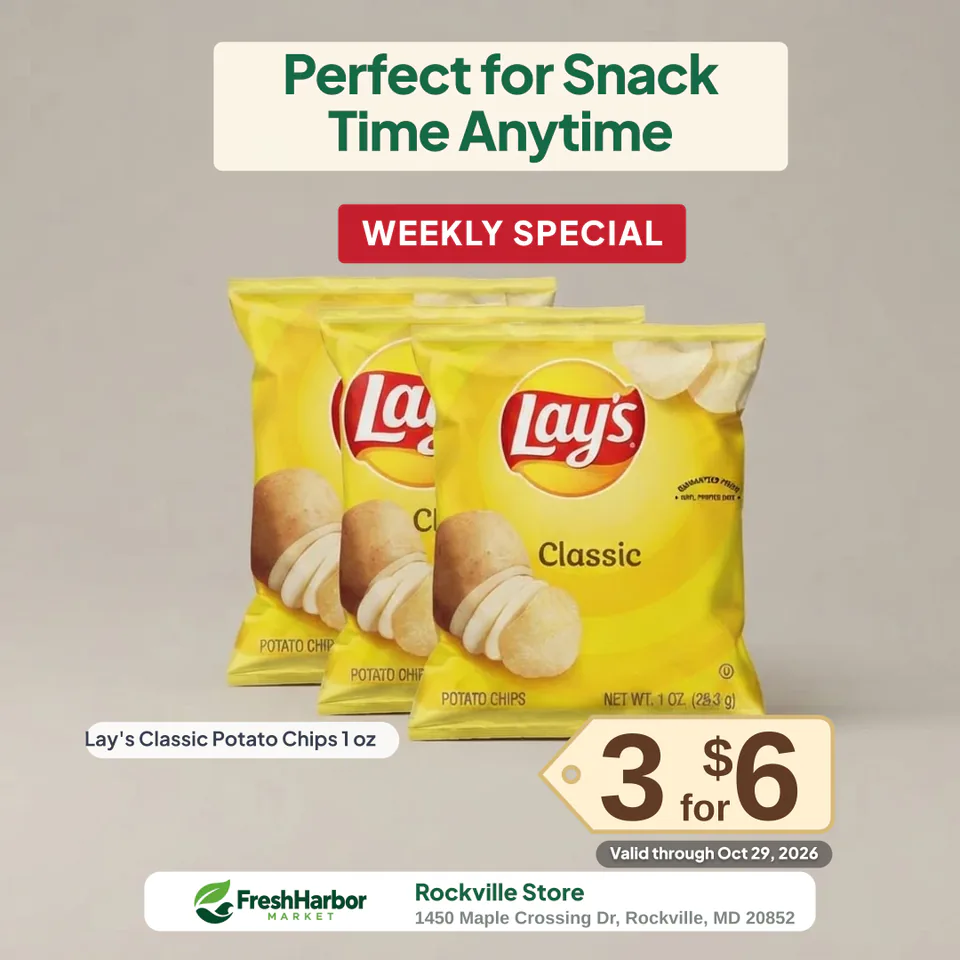
Keep the required quantity and combined price together in one offer.
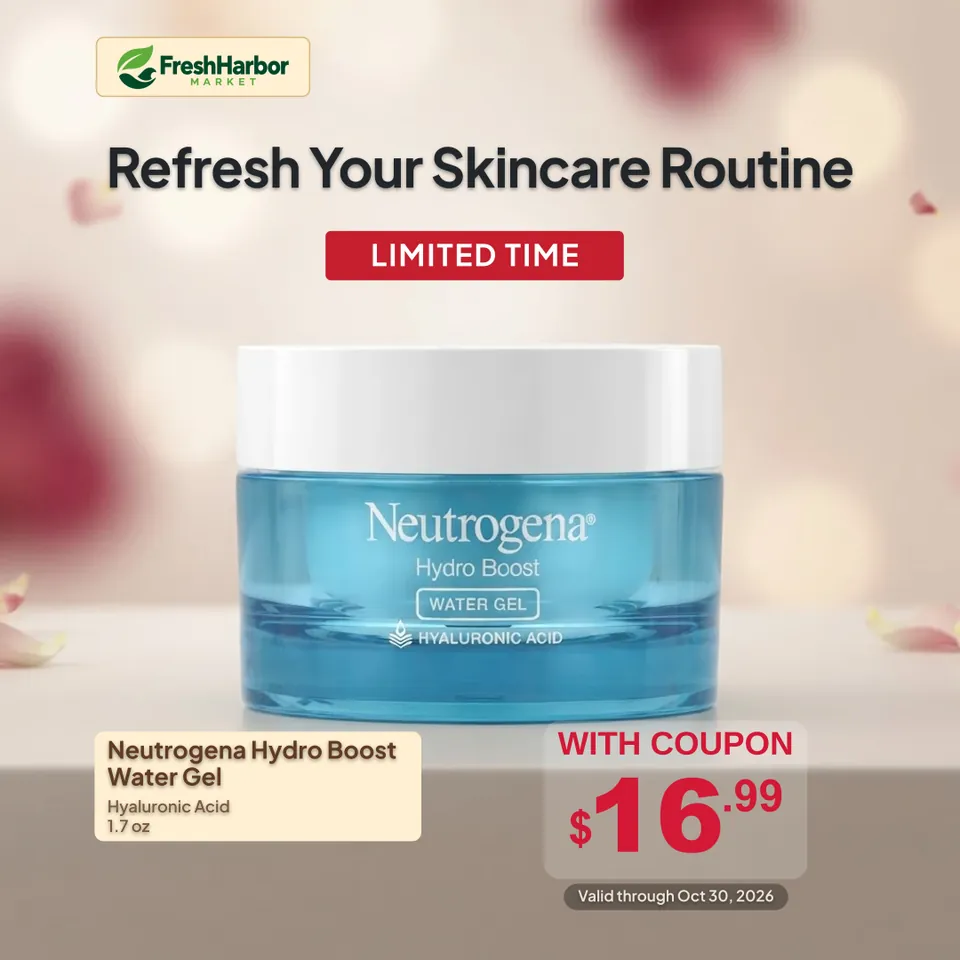
Present a polished product visual while keeping the coupon condition visible.
Retail offers
Keep the product, promotional price, offer condition, and store identity in one structured design.
Make the current sale price the clear visual focus.
Keep the quantity and combined offer price together.
Show the buy/get condition with FREE as the main message.
Keep MEMBER PRICE attached to the eligible price.
Make WITH COUPON visible beside the coupon price.
Show the current price, comparison price, and savings clearly.
Create an optional styled scene while promotional text remains editable.
Ready-made retail layouts take care of the starting design, so you can focus on your product, price, and promotion. Adjust the details if you want, then download your poster.
Add supported store identity details for consistent retail graphics.
Download Square, Portrait, or Story graphics for your own channels.
Product poster templates
Start with a ready-made design, then customize the product, offer, colors, and layout to fit your promotion.
Balanced produce design with a clear standard price and store branding.
Square · balancedBalanced weekly-special design with a prominent starburst price.
Square · balancedTall product design for bottle promotions and detailed pricing.
Square · tallBold BOGO design for tall products and a clear FREE message.
Square · tallMulti-buy design that keeps quantity and combined price together.
Square · balancedClean coupon design for skincare and personal-care promotions.
Square · balancedFormats & customization
Adjust supported design elements, colors, and price styles before downloading.
1080 × 1080
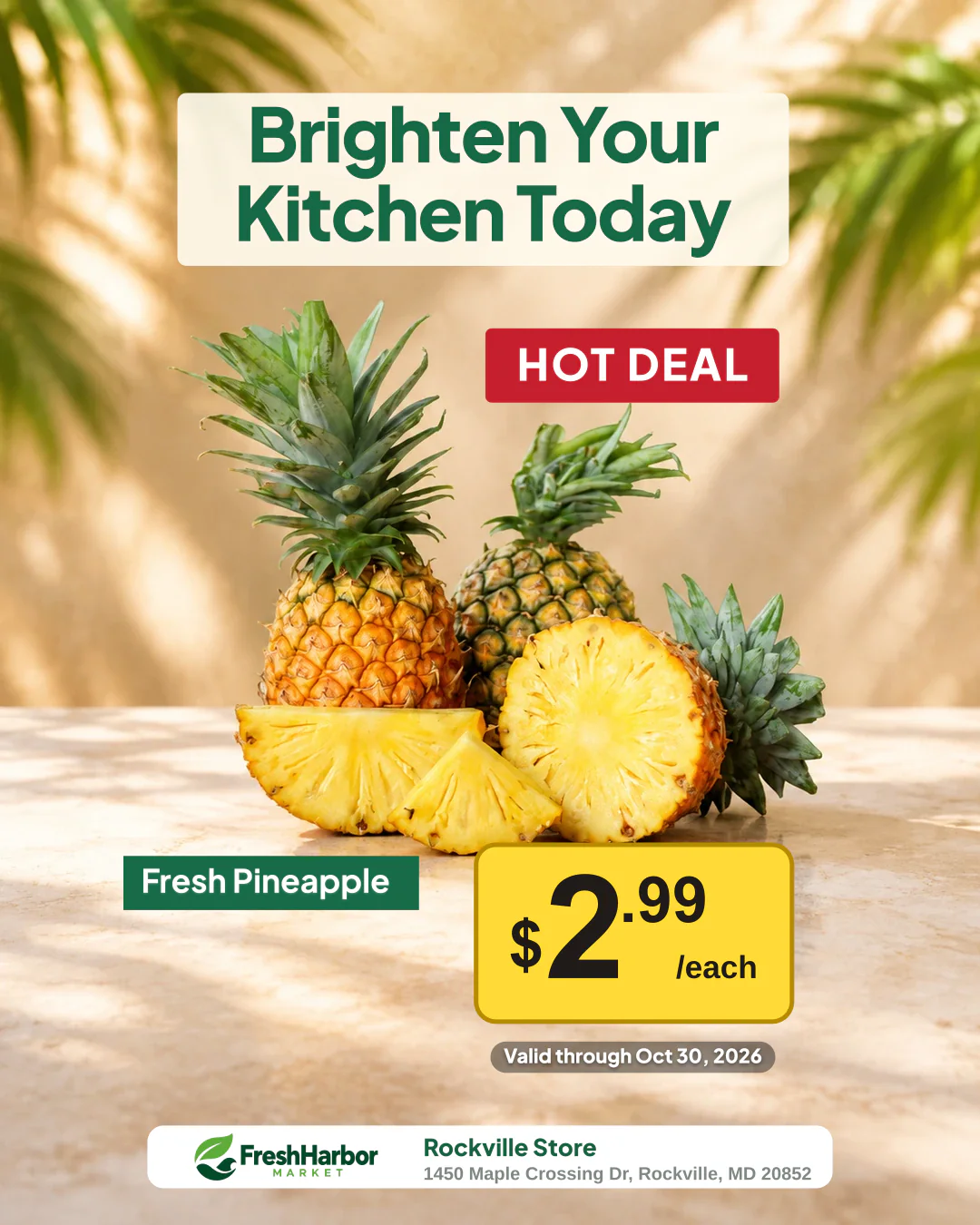
1080 × 1350
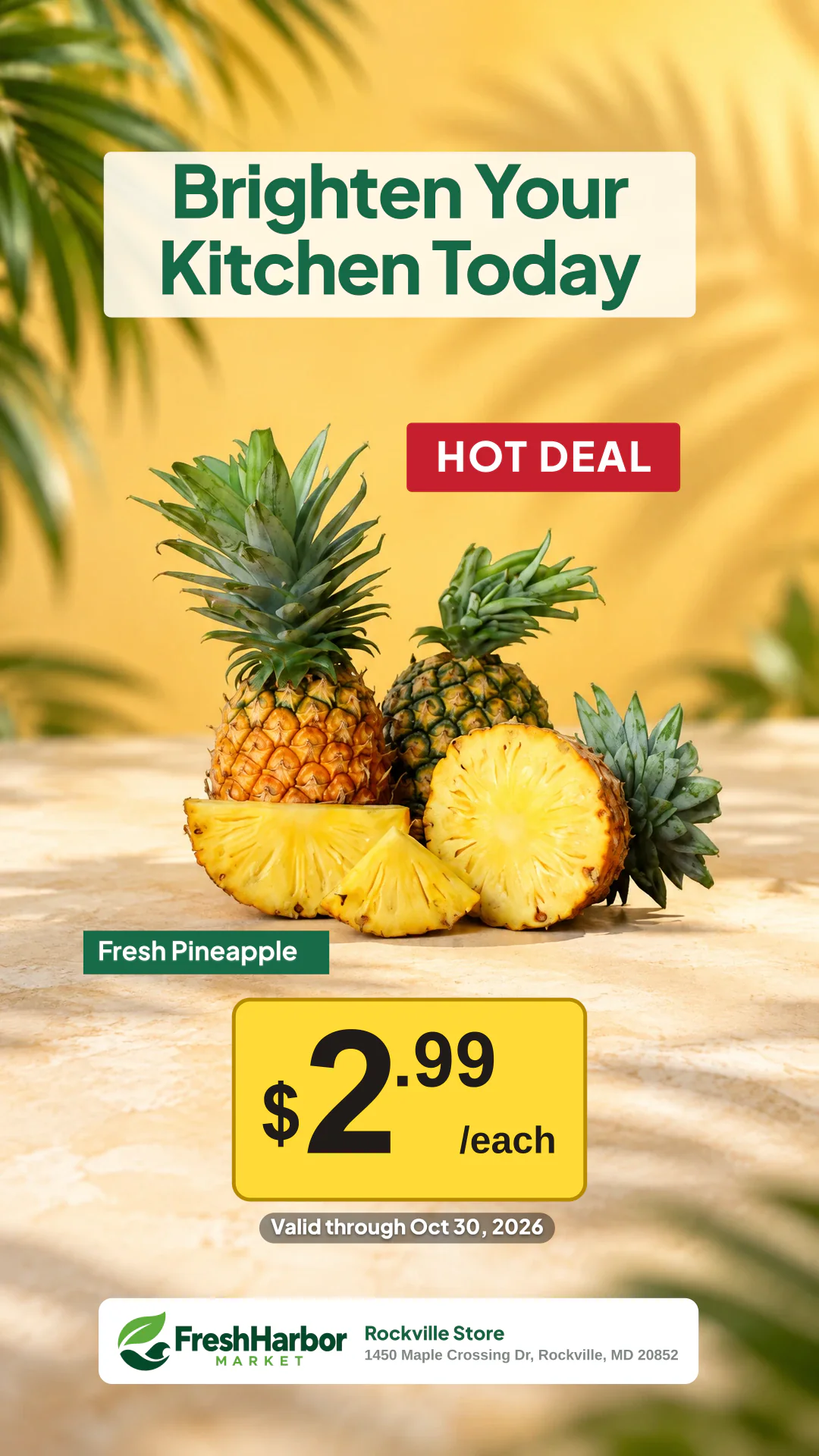
1080 × 1920
Made for retail teams
Create a focused promotion without opening a general-purpose design tool.
Turn approved product and offer details into consistent promotional graphics.
Prepare repeatable, client-branded product posters for the stores you support.
No. StorePromoKit is designed for people without a graphic design background. Add your product photo and offer details, choose a ready-made design, and customize your poster as needed.
Yes. Upload a product photo, add your promotional details, and customize the supported design options in the editor.
Yes. The 14-day trial includes 100 Credits. A new poster uses 3 Credits on its first successful finalization. Optional image processing can use additional Credits.
Yes. Product Poster Maker supports Standard, Multi-buy, BOGO, Member, Coupon, and SAVE offer presentations.
Yes. Use it for fresh produce, packaged foods, beverages, meat, and other focused grocery offers.
Yes. The same product-and-offer workflow can be used for packaged beverages, snacks, and everyday convenience-store deals.
Yes. Signed-in users can apply available brand and store information to supported poster layouts.
Create Square at 1080 × 1080, Portrait at 1080 × 1350, or Story at 1080 × 1920.
You can place an exported PNG in a Letter-size document and print a proof. For a native Letter-size layout and PDF export, use the Print Flyer workflow.
AI scene generation and background removal use the credit amount shown in the editor before processing.
Yes. White Background is available without generating an AI product scene.
Yes. Signed-in users can reopen available drafts and generated posters, update them, and create a new PNG.
Signed-in Product Poster Maker PNG exports do not include a StorePromoKit watermark.
Add a product photo, enter your offer, and create promotional graphics for your store.
Create a Product Poster